
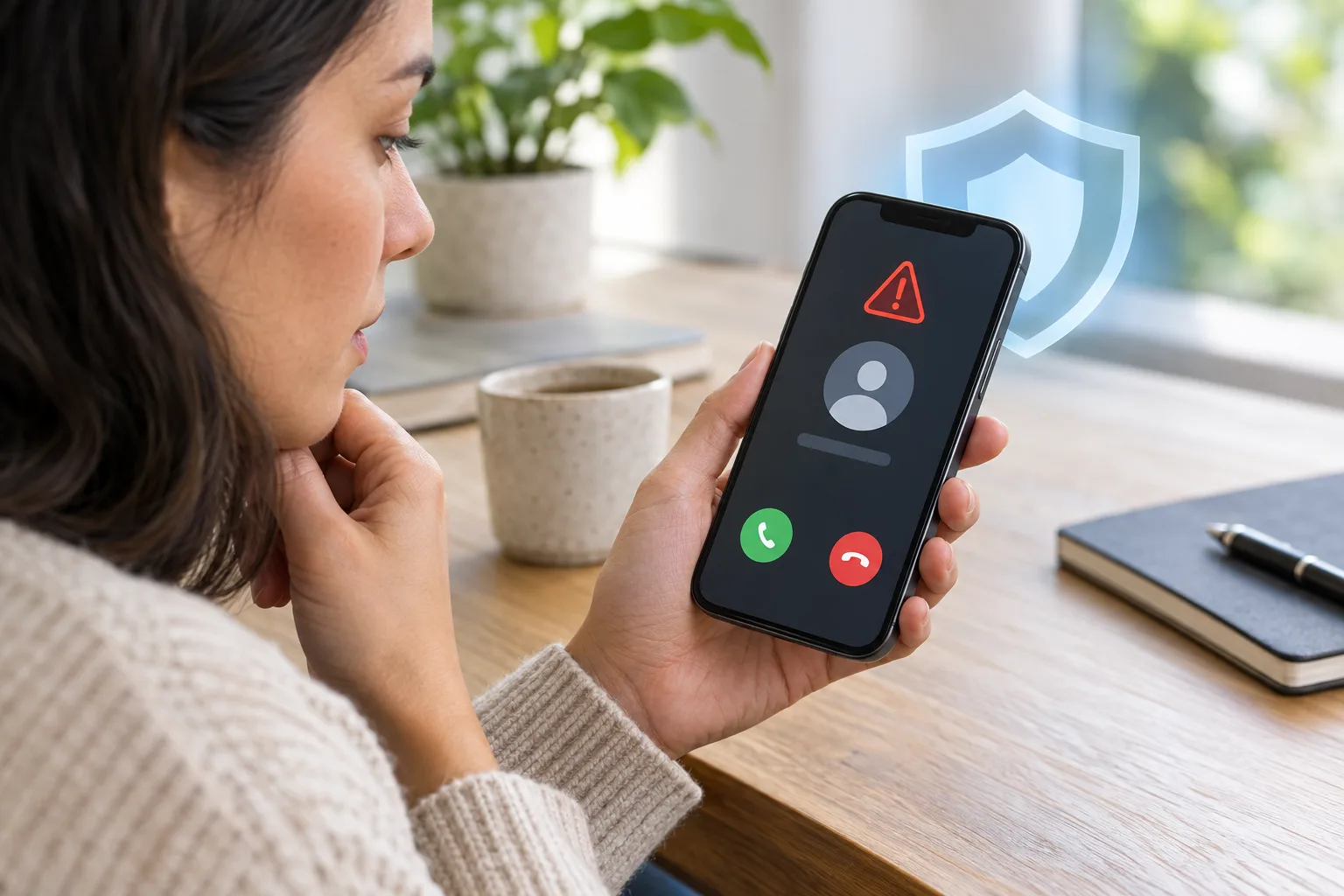
Reports describe an unknown-number warning in some WhatsApp versions. Availability and the details shown can vary by account and version; check your actual app. A warning does not establish the caller’s identity or eliminate scams.
If you have seen people asking why WhatsApp suddenly interrupts them before a new chat, this is why. Reports in late June 2026 from WABetaInfo, BetaNews, and Help Net Security describe a new "trust warning" that, according to these reports, Meta is rolling out gradually on iOS and Android. Below is what it actually does, how to read it, and where a second phone number genuinely helps — and where it does not.
What is WhatsApp's new unknown-number warning?
Direct answer: It is a safety screen that appears the moment you try to start a chat with a phone number you have never messaged before. Instead of dropping you straight into the conversation, WhatsApp pauses and shows context so you can decide whether the contact is trustworthy.
According to WABetaInfo, the screen can show where the phone number is registered (its country), whether it is saved as one of your contacts, and whether you have any groups in common. You then choose Continue to chat or Cancel chat, and the other person is not notified about what you picked. Meta first signaled this direction in 2025 as part of a wider push against messaging scams; the automated version is reportedly reaching users in stages.
The logic is simple. Scammers count on people who act first and act fast — a "hey, is this still your number?" message or a too-good job offer feels harmless until you have already replied. A different country code, no shared groups, and no saved contact are exactly the signals that should make you slow down.
How should you read the warning before replying?
Direct answer: Treat the warning as a prompt to verify, not as a verdict. Read the details it shows, and if anything is inconsistent with who the person claims to be, cancel and confirm through a channel you already trust.
- Check the country of registration. A number registered in a country with no connection to the supposed sender is a strong reason to pause.
- Check shared groups and contacts. No mutual groups and no saved contact means you have no prior relationship to lean on.
- Verify out of band. If someone claims to be a friend or relative on a "new number," call the number you already have for them, or ask a mutual contact. Meta's own guidance is to pause, question, verify before acting.
- Watch the classic pressure cues. Requests for money, gift cards, PINs or one-time codes, or urgency ("do this now") are red flags regardless of what the warning shows.
Does this warning stop WhatsApp scams completely?
Direct answer: No. It is one more layer, not a guarantee. It reduces the odds that a cold scam message catches you off guard, but it has clear limits.
WABetaInfo notes that the warning may not appear at all if the scammer's number is somehow already saved as a contact, and that not every unfamiliar number is a scam — someone you know may simply have a new SIM. It also does not read your messages, recover a number that has already leaked, or stop the flood of spam that follows once your number is circulating on lists. In other words, it helps at the moment a stranger reaches you; it does nothing about how your number got out there.
Why does your real number end up in scammers' hands?
Direct answer: Most exposure is mundane. Your primary number gets typed into marketplace listings, delivery forms, coupon gates, trial signups, and second-hand sale chats — and from there it spreads through breaches, resale, and scraping.
Every time a low-trust service or stranger gets your everyday number, it becomes one more place that can leak it. A new in-app warning cannot un-share a number you have already handed to dozens of forms. The practical countermeasure is to stop giving your primary number to contexts that do not deserve it.
When does a separate or virtual number actually help?
Direct answer: A separate number helps for low-trust, public-facing, or one-off situations — marketplace and classified ads, second-hand buyers and sellers, trial signups, coupons, and verification on accounts you can afford to lose. It keeps your real number out of those systems so there is less of it to harvest.
It is not a fit for everything. Many platforms distrust virtual, shared, or recycled numbers and may reject them at signup or later re-verification, and a number you do not keep long term is a poor place to anchor recovery. Use the test below before you decide.
| Situation | Separate / virtual number | Your real number |
|---|---|---|
| Marketplace listing, classifieds, second-hand sale | Good fit — keeps strangers off your main line | Avoid — invites spam and scam contact |
| Low-risk trial, coupon, waitlist, download gate | Reasonable, if the account can be abandoned | Optional — only if you trust the service |
| Bank, government, tax, health, work admin | Risky — recovery can break if the number changes | Use this — it proves ongoing ownership |
| Long-term 2FA / account recovery | Weak — do not anchor recovery to a number you may lose | Use this — durable and controllable |
Can you use a virtual number for WhatsApp itself?
Direct answer: Sometimes, but not reliably, and you should not assume it. WhatsApp sends a verification code to the number you register, and many virtual or shared numbers cannot receive that code or are rejected as high risk. Whether a given number works depends on the provider, the country, and WhatsApp's checks at that moment.
So the honest framing is this: a separate number is best understood as a buffer for everyday exposure — the number you hand to sellers, forms, and signups — rather than a guaranteed way to run a second WhatsApp line. If you do want a separate WhatsApp identity, WhatsApp's own account controls (and features like usernames, where available) are the supported path; a virtual number may or may not pass verification.
A responsible workflow to limit WhatsApp scam exposure
Direct answer: Reduce where your real number lives, slow down on cold messages, and keep durable contact details on the accounts that matter. Privacy tools are for cutting unnecessary exposure — not for impersonation, ban evasion, or fraud.
- Classify the contact. Stranger on a marketplace or a "new number" out of nowhere? Treat it as low trust until verified.
- Keep your primary number for high-stakes accounts. Banking, government, work, health, and recovery should stay on a number you control long term.
- Use a separate number for public-facing and disposable contexts. Listings, sellers, trials, and coupons do not need your everyday line.
- Respect the warning. When WhatsApp pauses you on an unknown number, read the country and group details before continuing.
- Never send codes or money to unverified contacts. No legitimate contact needs your one-time code.
How does CodeApp fit into this?
CodeApp supports receiving verification SMS for supported services and temporary email workflows. Check number availability and service acceptance. It is not presented here as a general calling or messaging line for marketplace buyers, and no WhatsApp or banking OTP acceptance is guaranteed.
How we checked: We based the feature description on reporting from WABetaInfo, BetaNews, and Help Net Security, and on Meta's published scam-safety guidance, and reviewed the draft for claims that could change by app version, country, carrier, sender, or platform policy. We attribute the rollout to these reports rather than to an official WhatsApp announcement, kept CodeApp language conditional, did not claim a virtual number can reliably register or verify WhatsApp, and did not add undocumented links, dates, prices, or statistics.
For marketplace communication, use the platform’s supported messaging or a calling/messaging service that actually supports the task. Use CodeApp for supported verification and temporary email rather than assuming its number can carry every contact conversation. Verity privacy apps · CodeApp