
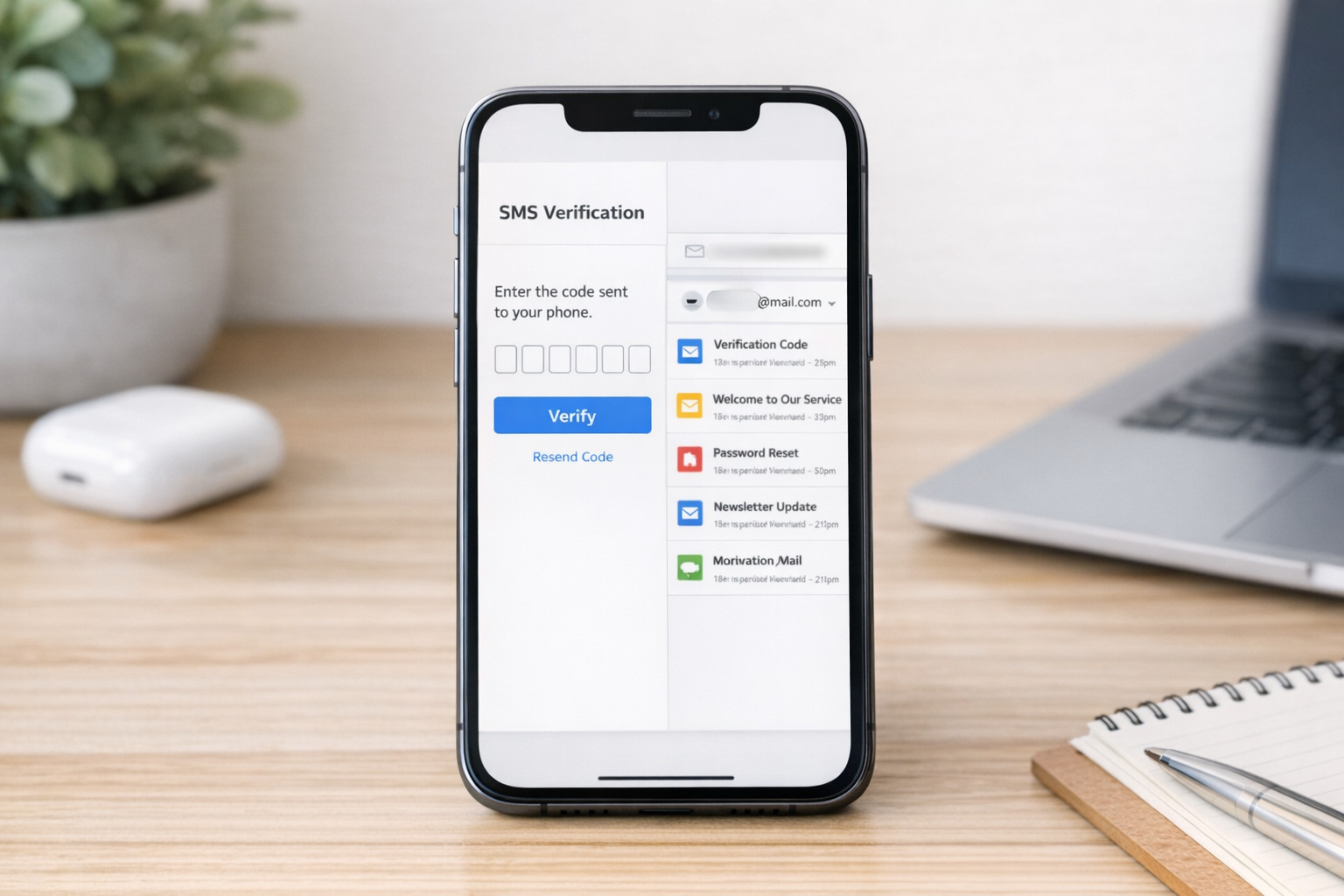
There is a common problem behind searches like text now, text free, authenticator app, google voice, and temporary mail: people want to sign up, test, verify, or access an online service without handing over their personal phone number or main email address. That is exactly where Receive SMS&Temp Mail: CodeApp fits in. It is a verification app designed to provide service bazlı, shared temporary SMS numbers and temporary e posta addresses for short-term use.
Instead of using your own phone numarası for every sign-up, this tool gives you access to temporary numbers that can receive SMS verification codes for supported platforms. It also offers temporary email inboxes, which is useful when a site asks for a new mail adresi just to complete a one-time registration. For users who have tried options such as TextNow, Text Free, Google Voice, Talkatone, TextMe, TextPlus, Pinger, or a burner phone setup, the appeal is simple: sometimes you do not need a full second line. You just need a fast, practical verification tool.
The core problem CodeApp solves
Most apps and websites ask for either a phone number, an email, or both. In many cases, that request is reasonable. But not every registration deserves access to your real identity, personal inbox, or primary phone. People often hesitate for a few practical reasons:
- They do not want spam messages or marketing email on their main accounts.
- They are testing a new service and are not sure they will keep using it.
- They need a quick sign-up for a marketplace, social platform, or messaging app.
- They want a cleaner separation between personal communication and temporary registrations.
- They are comparing alternatives such as Google Voice, TextNow, or a free text app, but only need one-time verification.
That is the gap CodeApp addresses. Rather than functioning like a full communication platform or a 2nd phone number you keep long term, it focuses on temporary verification workflows. You choose a supported service, use one of the available shared numbers, wait for the incoming code, and complete registration. If a platform asks for email instead, you can use temp mail instead of exposing your main email.
Who this app is for
CodeApp is not for everyone, and that is actually helpful to understand upfront. It makes the most sense for users who need short-term access rather than a permanent communication setup.
1. People signing up for services they may only use once
If you are creating an account on a site you are just trying out, a temporary SMS or email option can save your real inbox and phone from unnecessary clutter.
2. Users who want more privacy during registration
Some people are comfortable sharing their number only with friends, work contacts, banks, or long-term services. For everything else, a temporary option feels safer and more organized.
3. People comparing tools like Text Free, TextNow, and Google Voice
These services can be useful, but they serve different purposes. If your goal is ongoing calling and texting, a second-line app may be better. If your goal is simply receiving a verification code, a dedicated receive SMS and temp mail app is usually more direct.
4. Users who need temporary email as well as SMS
Many sign-up flows ask for both a number and email. In those cases, having temporary mail in the same place is more convenient than juggling multiple tools.
5. Testers, freelancers, and side-project users
Practical scenario: someone testing app onboarding, marketplace signups, or account flows may need a quick, disposable contact point without tying every test to a personal phone.
How CodeApp differs from TextNow, Text Free, Google Voice, and an authenticator app
The easiest way to understand CodeApp is to compare intent, not just features.
TextNow and Text Free are often used as free text app options. People use them for messaging, calling, and maintaining a separate line. They can feel closer to a lightweight phone service.
Google Voice is more like a second-number ecosystem tied to broader account management and ongoing communication. It is often chosen by people who want a longer-term number for calls, voicemail, and forwarding.
An authenticator app is different again. It usually generates time-based login codes for accounts you already control. It does not replace SMS verification during signup when a platform specifically requires a phone number. If anything, many users start with SMS verification and later move to an authentication app for stronger account security.
CodeApp, by contrast, is built for the moment when you need a temporary number or mail inbox for registration and verification. It is less about becoming your everyday phone and more about helping you complete a sign-up without using your personal details everywhere.
Practical first-use scenarios
If you are opening the app for the first time, these are the situations where it tends to make the most sense.
Signing up for a social app or messaging platform
Practical scenario: you want to register for a social platform, but you do not want your personal number attached from the start. You select the relevant service in the app, use one of the available numbers, receive the code, and complete the initial setup.
Creating a throwaway account for a short-term need
Sometimes you need access to a single listing site, delivery platform, forum, or trial tool. A temporary e posta adresi plus temporary SMS can keep that activity separate from your main accounts.
Reducing spam in your primary inbox
If you are tired of newsletters, promo mail, and endless follow-up email after one registration, temp mail is often the simplest fix. It is also useful when a site pushes you to yeni mail adresi aç just to proceed, even though you do not want to create a full new account.
Testing account creation flows
For QA-style checks or simple product testing, temporary verification tools are more efficient than constantly rotating personal details. This is where a service bazlı setup is especially useful, because the app is organized around supported services rather than acting as a generic inbox only.
What first-time users should expect
One important point: temporary SMS tools do not behave exactly like having your own permanent line. CodeApp uses shared numbers, so the experience is designed around receiving verification messages for supported services, not long private conversations. That distinction matters.
When using the app for the first time, expect a workflow like this:
- Choose whether you need SMS verification or temp mail.
- Select the target service, if applicable.
- Use one of the available temporary numbers or email addresses.
- Wait for the incoming code or confirmation message.
- Complete the registration on the website or app you are joining.
That is much closer to a verification utility than to a full phone replacement. If what you really want is a persistent second line for calls and messaging, something like a dedicated second phone number app may be a better fit.
Common misunderstandings to avoid
People often arrive with expectations shaped by other apps, so it helps to clear up a few points early.
- It is not the same as a burner phone. A burner setup usually suggests a more independent, private line you control for longer use.
- It is not the same as Google Voice. Google Voice is oriented toward ongoing phone use, not just one-time verification.
- It is not an authenticator app. It helps you receive SMS codes and temporary email confirmations; it does not replace app-based one-time password generators.
- It is not your private long-term mailbox. Temp mail is best for short-term signups and low-stakes registrations.
When a temporary SMS and mail tool is the better choice
Use this type of app when your main goal is speed, separation, and convenience. If you need a quick verification step for an account, a temporary number or email is often enough. If you need stable communication over weeks or months, a service like TextNow, TextFree, Google Voice, Talkatone, or another phone-based option may make more sense.
There is also a middle ground: some users maintain a long-term second number for regular contact and use temp mail for low-priority signups. Others use a permanent number but prefer disposable email for registrations. The right setup depends on what you are trying to protect most: your privacy, your inbox, your main phone, or all three.

A simple way to think about CodeApp
Receive SMS&Temp Mail: CodeApp is best understood as a practical filter between you and unnecessary exposure. Not every app, website, or online service needs your real phone number or your primary email. For people who keep searching text now, text free, google voice, or mail solutions when all they really need is a quick verification method, this app offers a more focused path.
It is especially useful for users who want a service bazlı, temporary verification experience: a temporary numarası for SMS, a temporary e posta adresi for email confirmation, and a straightforward way to complete sign-ups without adding more noise to their personal accounts. And once a platform becomes important to you, that is usually the point where it makes sense to switch over to your real number, primary email, or even an authentication app for stronger long-term security.
If you are interested in other privacy-oriented utility tools, you may also want to look at a VPN and DNS changer for safer browsing on public networks. It pairs naturally with the same mindset: limit unnecessary exposure, keep your main accounts cleaner, and use the right tool for the task.